
Delete a Workout
- Open the ErgZone app
-
Find the workout

-
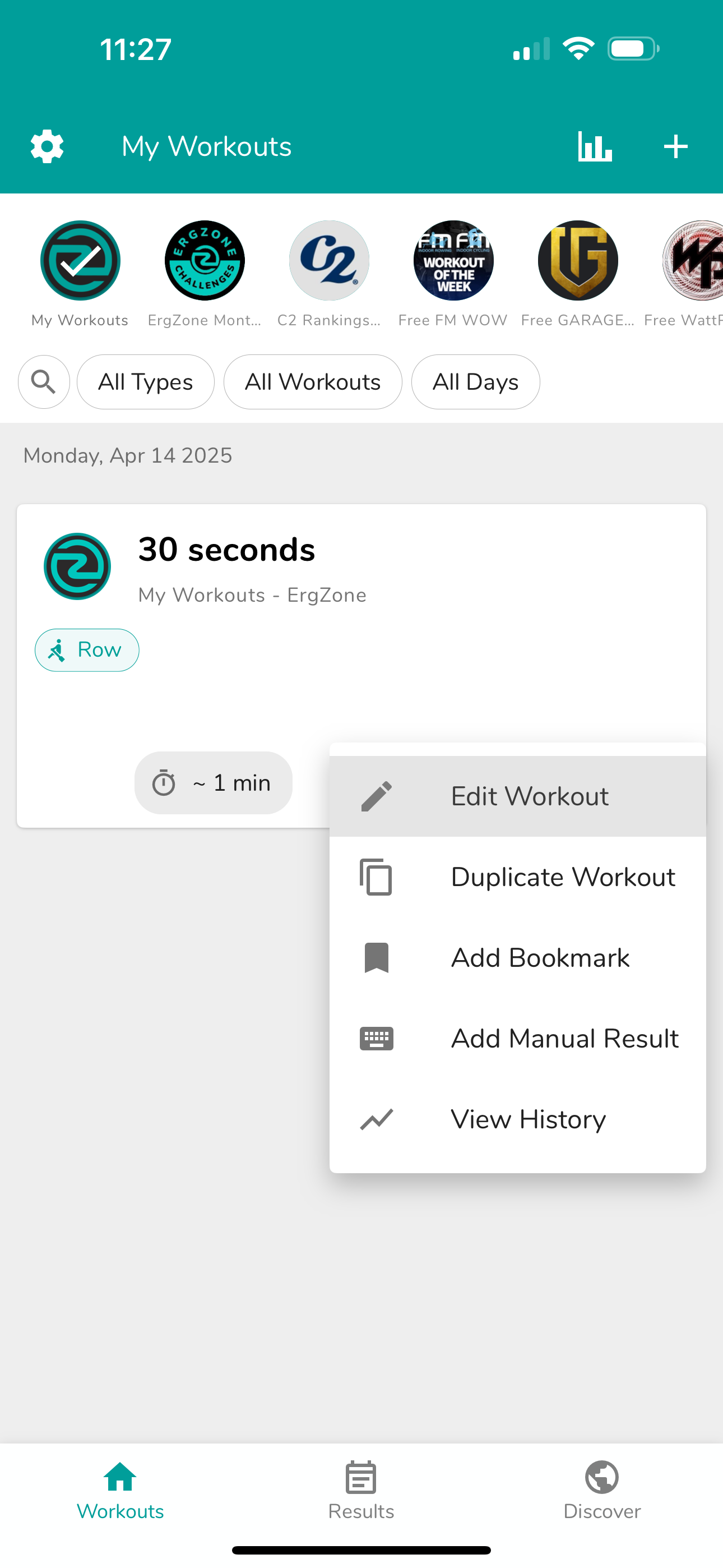
Tap More (3 dots) on the workout card

-
Tap "Edit Workout"
-
Tap More (3 dots) on the top of the screen

-
Tap "Delete Workout"

- Tap "DELETE" to confirm
- The workout will no longer be listed on the Workouts tab.


*Results tab is only available for ErgZone+ members.

