
ErgZone+ Promo Code
In this article, you will find instructions on how to apply a promo code from one of our partners when you subscribe to ErgZone+.
- Visit https://admin.erg.zone/
- Sign in
- Click on "Billing."
- Select the "ErgZone+ Premium" plan
-
Choose between Monthly or Annual Payments.
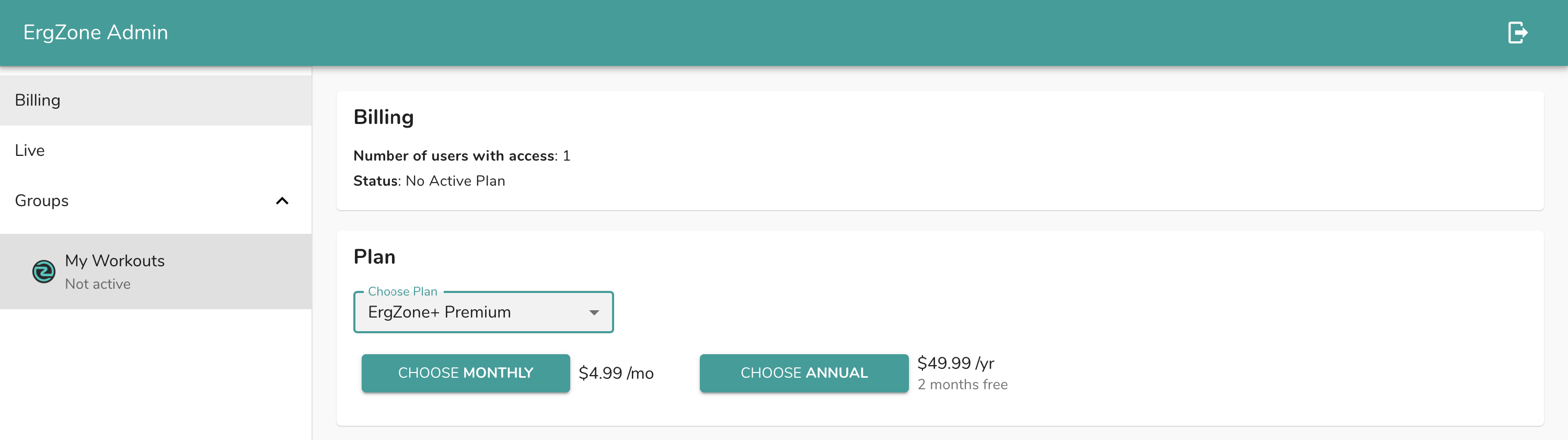
-
At checkout, click on "Add promotion code." link
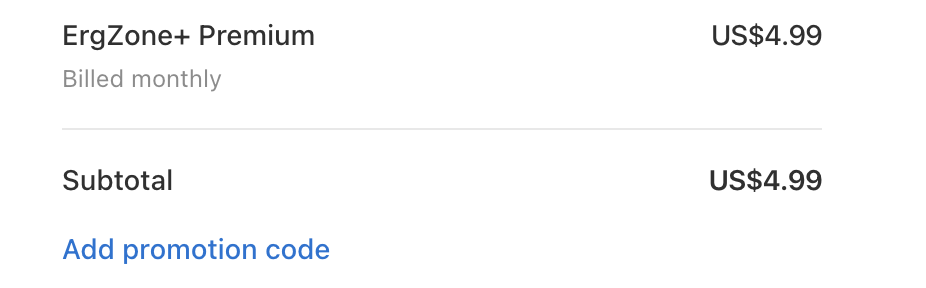
- Enter the promo code.
-
Click "Apply."

-
Stripe will recalculate the price.
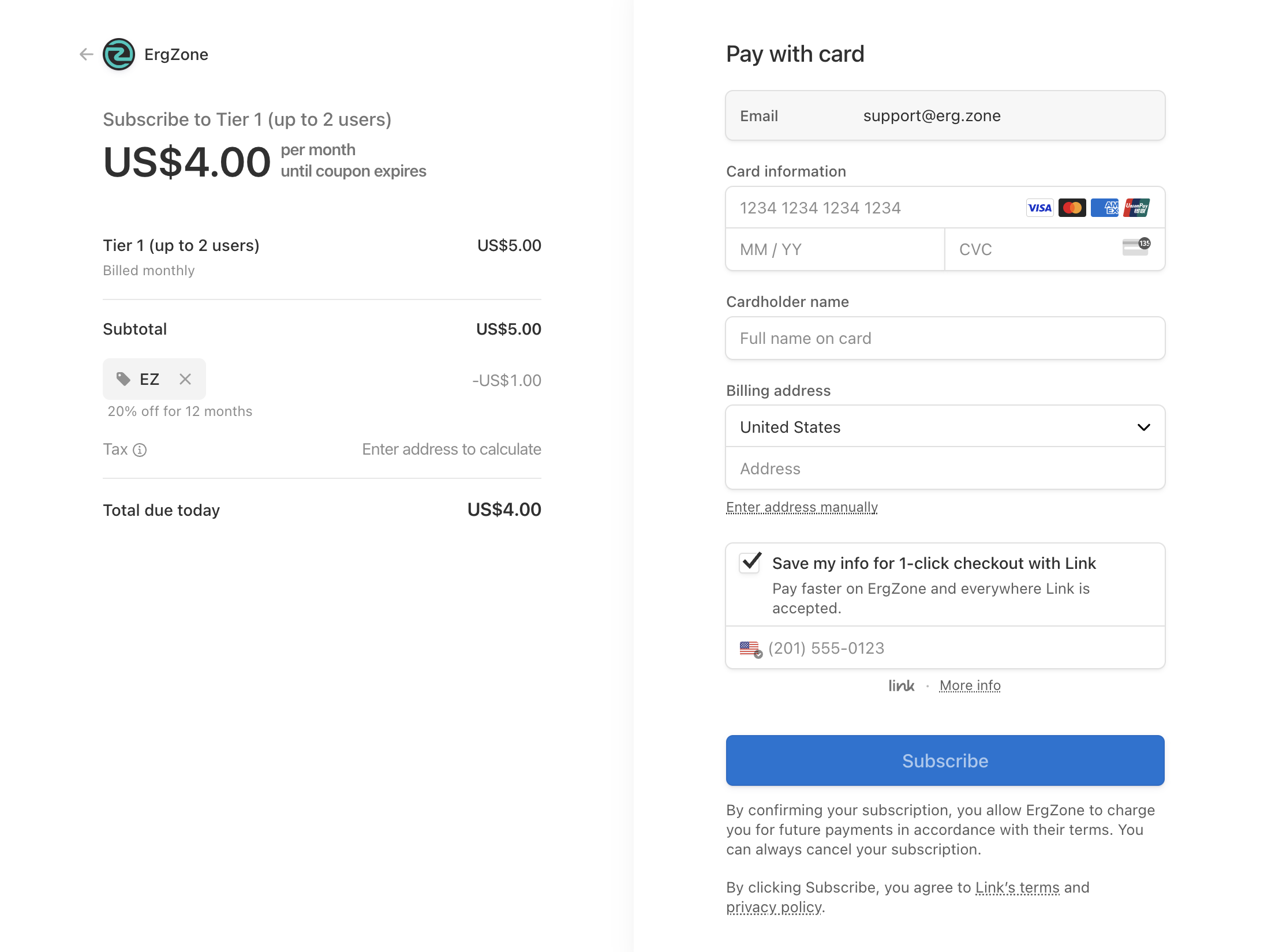
- Type payment information
- Click on the "Subscribe" button.
Want to join the ErgZone Affiliate Program?
Email support@erg.zone and we will get you set up.